

3. Connecting with a device
Input the SSID and password of this machine in the mobile device to connect.
Press the scroll button ▼ on the operator panel several times to select [Wireless(Wi-Fi Direct) Setting], and press «OK».
Input the admin password using the numeric keypad, and press «OK».

- "Cannot be used simultaneously with wireless(infrastructure)." will be displayed for about 5 seconds.
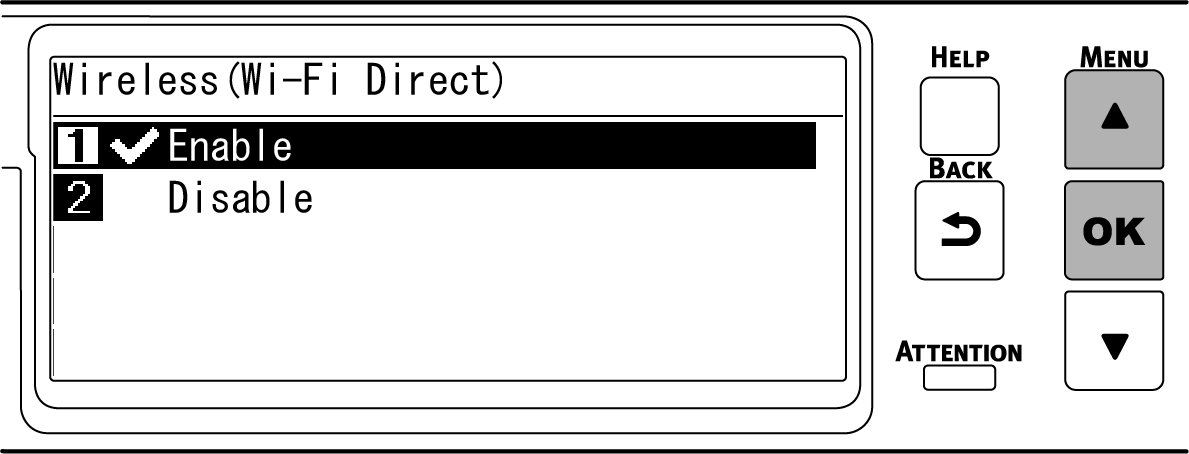
Press ▲ to select [Enable], and press «OK».
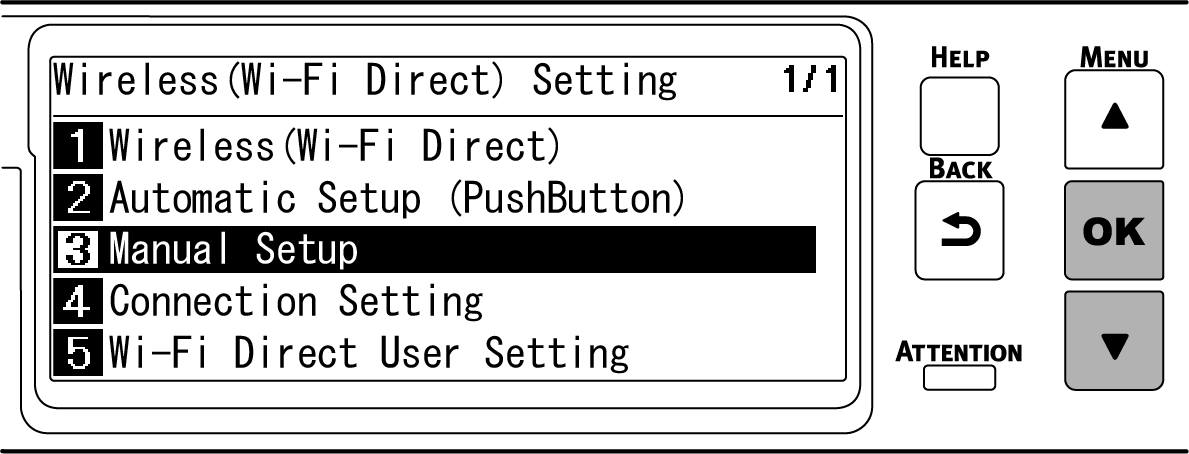
Press ▼ several times to select [Manual Setup], and press «OK».
Check that [SSID], [Security] and [Password] of this machine are displayed.
- The screens shown here are examples, and they may differ from the actual display.
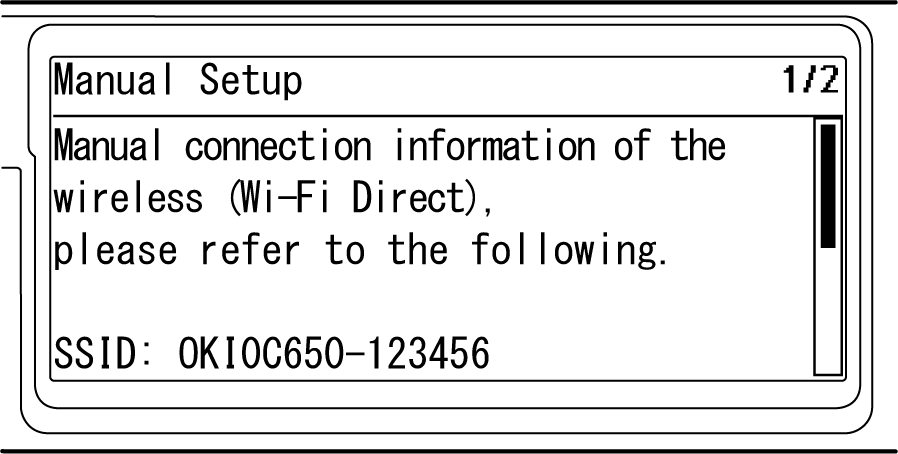
Input [SSID] and [Password] of this machine confirmed in Step 5 in the mobile device to connect.
- If the mobile device is set to obtain the IP address automatically, you can communicate by connecting to this machine via Wi-Fi Direct and allocating the IPv4 address automatically to the mobile device.
- The factory default IP address is [192.168.110.100].
- If you cannot connect, please refer to "Troubleshooting for wireless LAN connection".
Then, go to "Installing software on your PC".When using a mobile device, go to "Printing from a mobile device".
