

Installing optional accessories
This section describes how to install optional accessories. If you do not want to install optional accessories, proceed to "Connecting the power cord".
The following optional accessories are available.

- Be sure to turn off the power supply, disconnect the power cord and any other cables, and then install the optional accessories. If you install optional accessories while the power supply is on, the main unit and optional accessories may break down.
Wireless LAN module
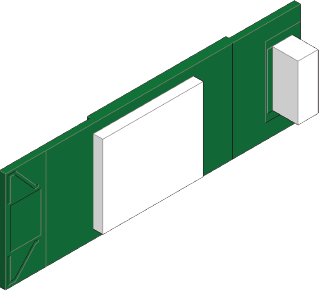
Install this machine when you want to use it by connecting to a wireless LAN.
Expansion tray unit
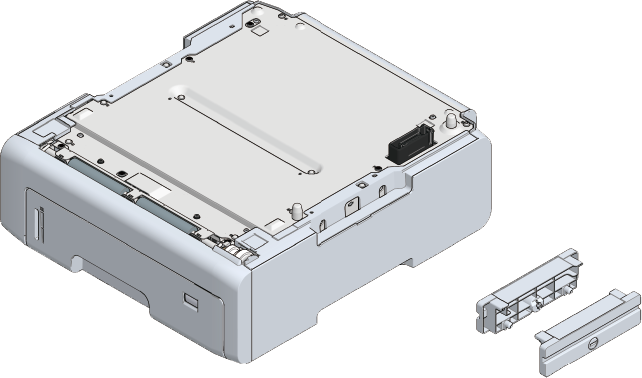
Install it if you want to increase the amount of paper that can be loaded in this machine. Up to 3 levels can be expanded.
Dedicated caster stand
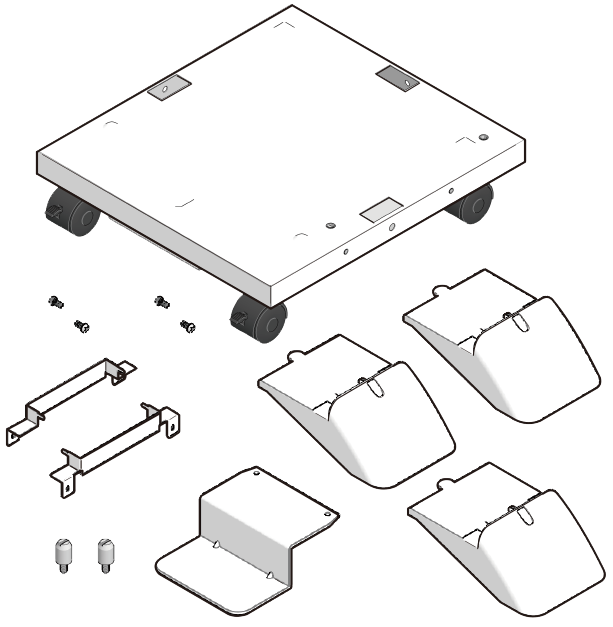
Install it to make this machine easier to move. After moving, fix it with a stopper.

- After installing the expansion tray unit, install the software on your PC and set the optional accessories in the printer driver. Refer to "Setting the printer driver".
Installing the wireless LAN module