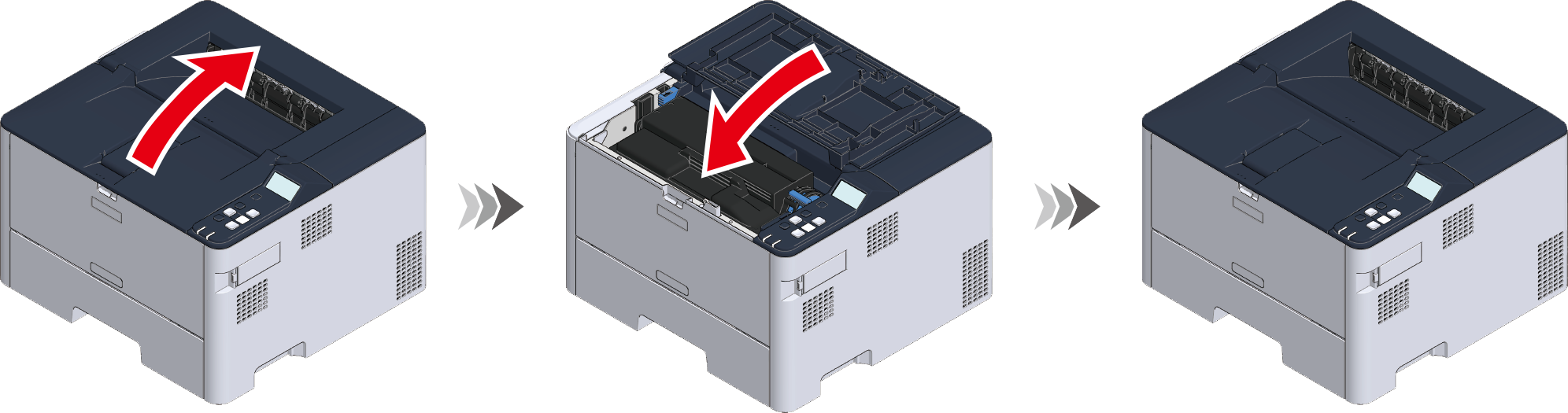

For the error code 392, 393 or 394
This section takes the error code 392 for example indicating that a paper jam occurs when paper is feeding from Tray 2.
Pull out the paper cassette of Tray 3 (for the error code 393) or Tray 4 (for 394), and remove the jammed paper.

- If the same error occurs repeatedly even after the jammed paper is removed, please refer to "Troubleshooting for the paper".
Pull out the lower paper cassette of Tray 2 until it stops, and then lift it slightly upward to remove it.
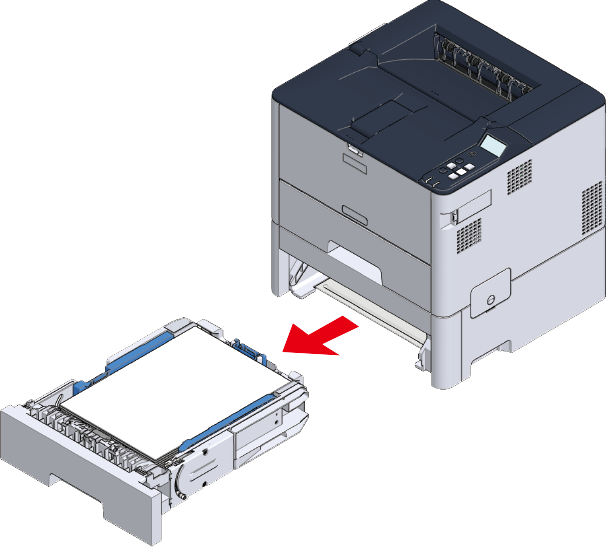
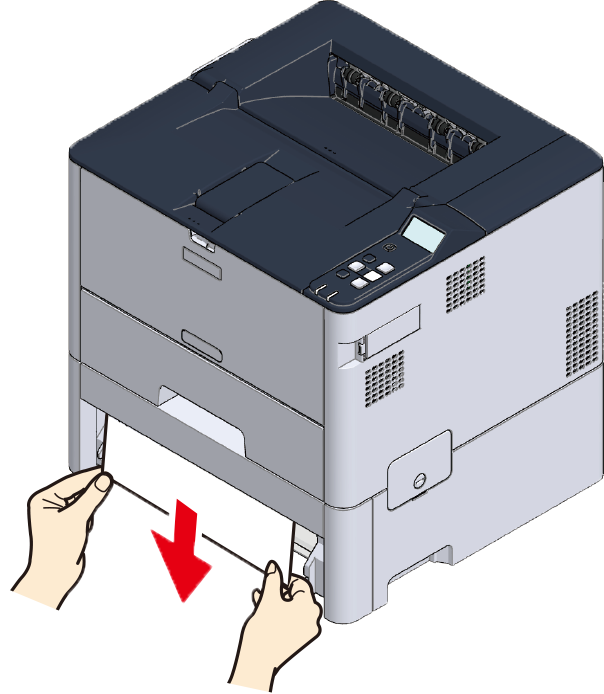
Remove the jammed paper.
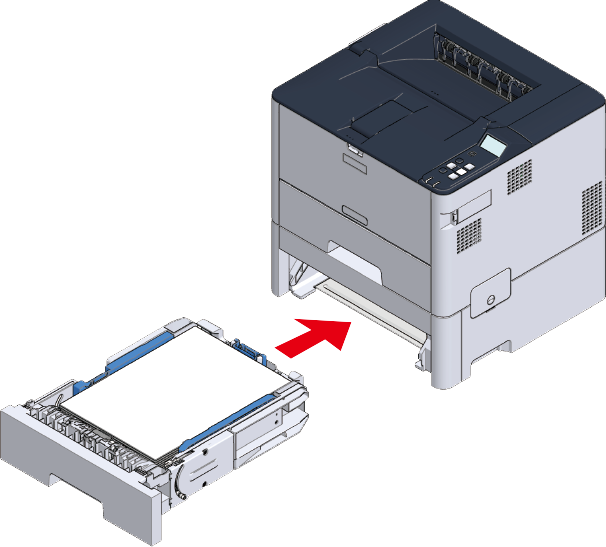
Insert the paper cassette into the main unit from slightly above and install it back to its original position.
- If you return the paper cassette to the main unit by force, the paper stopper may shift.
Open and close the top cover (front).
- The error will not be cleared without opening and closing the top cover (front).