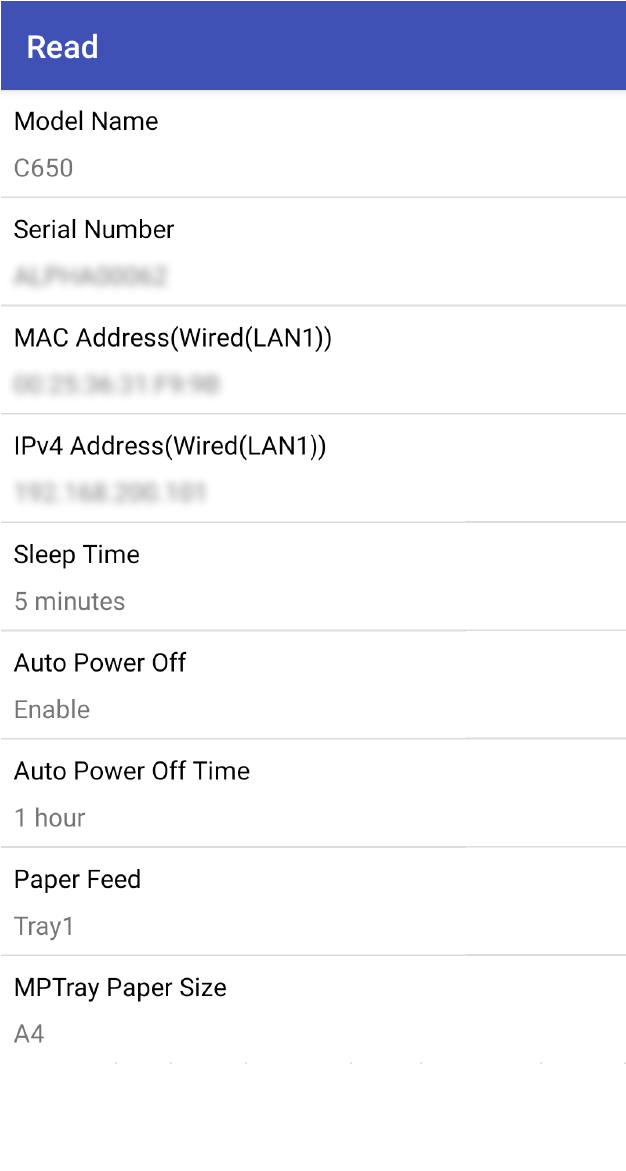

Reading the written information
You can display the written information on your mobile device before powering on the machine.

- After the machine is powered on, the written information cannot be read from a mobile device.
- Tap the NFC Setting Tool icon on your mobile device to launch the application.
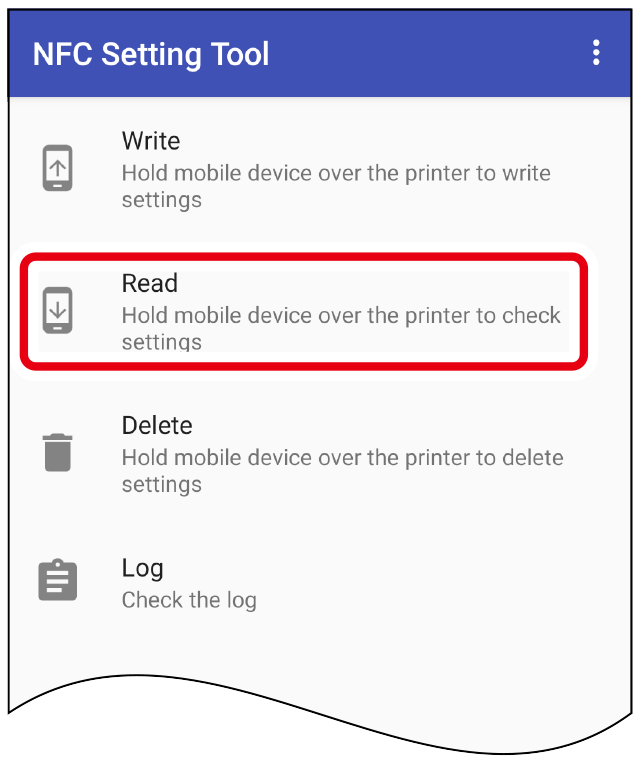
Tap [Read] to display the [Read] screen.
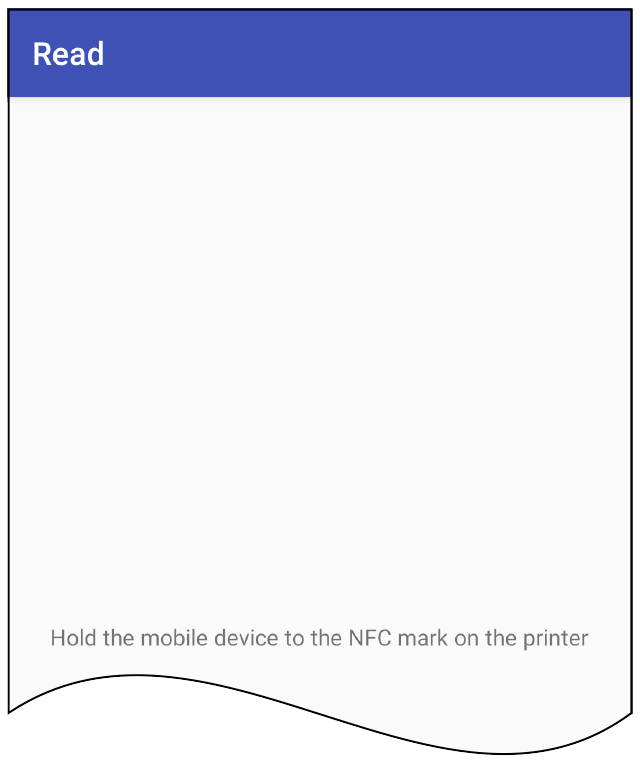
Hold your mobile device over the NFC mark on the machine.
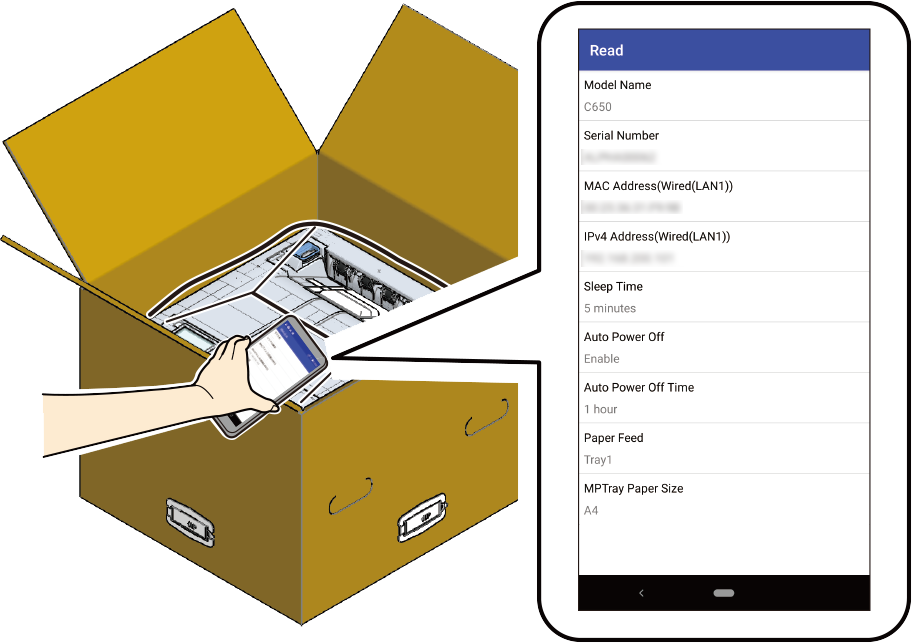
The information set in the machine is displayed on your mobile device.