

Deleting the written information
This section describes how to delete the information written to the machine before powering on the machine.

- After the machine is powered on, the written information cannot be deleted from a mobile device.
Tap the NFC Setting Tool icon on your mobile device to launch the application.
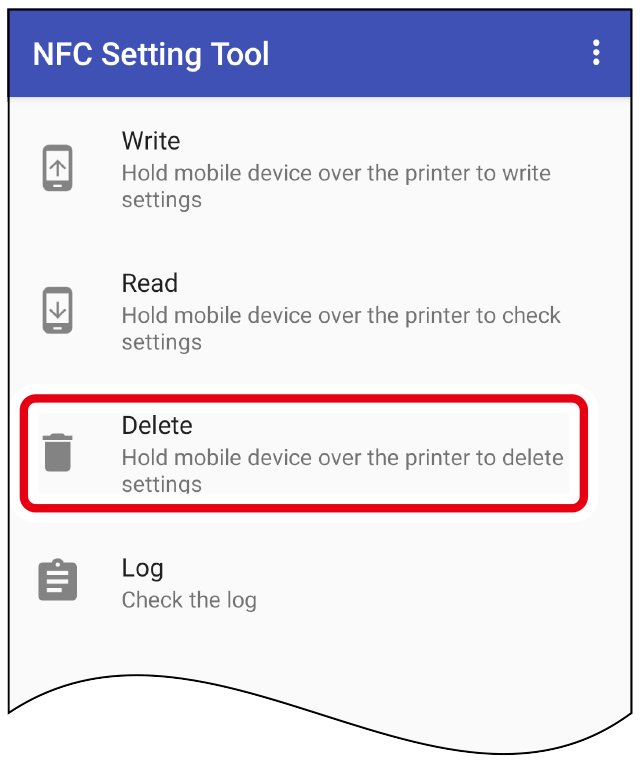
Tap [Delete].
Hold your mobile device over the NFC mark on the machine.
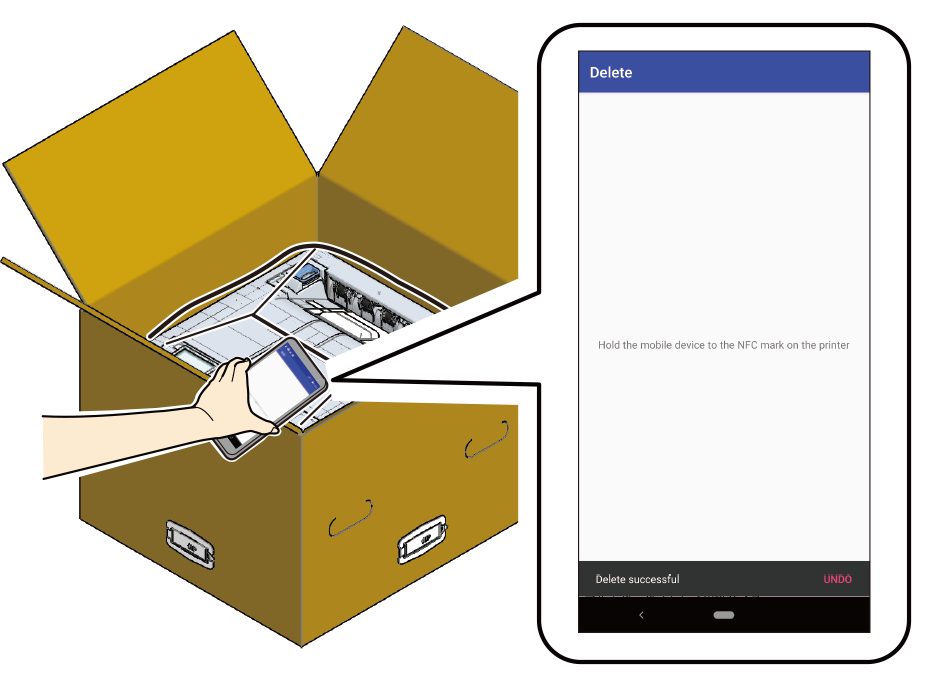
The information you set in the machine is deleted.
- If you want to restore the deleted information, tap [Undo] and hold your mobile device over the NFC mark on the machine.
- You will not be able to restore the deleted information after tapping [Cancel] on the [Undelete printer settings] screen, or after tapping the [Back] mark on the mobile device. Write them again to restore the original settings.