
Correcting Color Registration Error Manually
The machine automatically adjusts color registration when the machine turns on or the output trays are opened/closed. You can manually adjust color registration from the operation panel if necessary.
-
Press [Device Setting].
-
Press
 or
or  several times and press [Admin Setup].
 -
Enter the administrator name and password and press [OK].
The factory default administrator name and password are "admin" and "aaaaaa" respectively.
-
Press
or several times and press [Print Setup].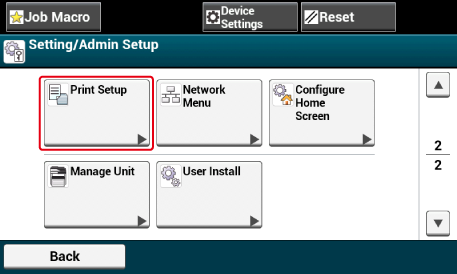
-
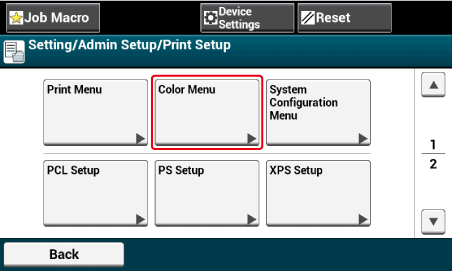
Press [Color Menu].
-
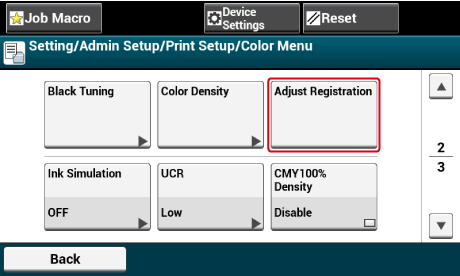
Press [Adjust Registration].
-
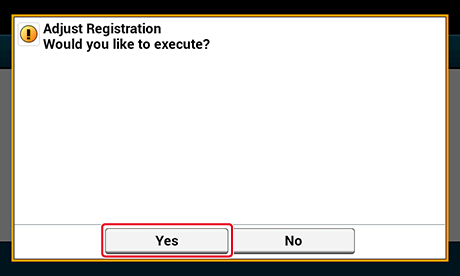
Press [Yes].