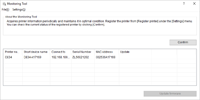

Register a printer Monitoring Tool monitors.
-
Select [Start] > [Okidata] > [Monitoring Tool] and start Monitoring Tool.
-
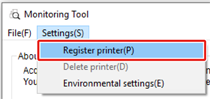
Select [Resister printer] from the [Settings] menu.
-
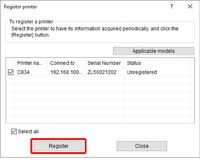
Select the printer you want to register from the printer list and click [Register].
-
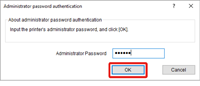
Enter the printer administrator password, and then click [OK].
The factory default administrator password is "123456".
Memo
-
If the administrator password authentication error notification is displayed, an incorrect administrator password may have been entered. Enter the correct password.
-
-
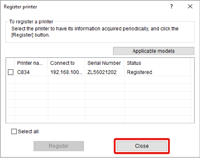
Click [Close].
-
Check that the registered printer is displayed.