

A paper jam has occurred while feeding paper from a paper tray.
Note
If paper jams occur frequently, clean the paper feed rollers. For details, refer to "Cleaning the Paper Feed Rollers (Tray 1/Tray 2/Tray 3)".
This procedure uses Tray 1 as an example.
-
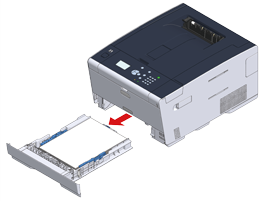
Pull out the cassette of the indicated tray.
-
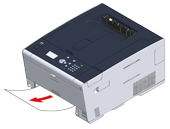
Remove the jammed paper.
Note
If jammed paper cannot be found, check the positions of paper guides and paper stopper in the tray and ensure that paper is correctly loaded.
-
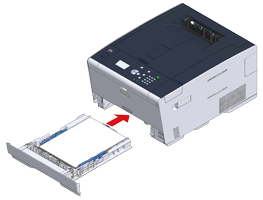
Replace the paper cassette into the machine.
-
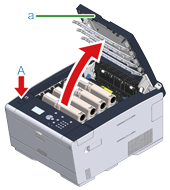
Press the button (A) and open the output tray (a) completely.
-
Close the output tray (a) slowly and push the center of the output tray for confirmation.
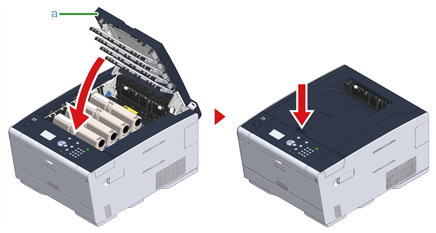
Task is complete.
Memo
Opening and closing the output tray starts printing.