-
Press [Fax/Internet Fax] on the touch panel or the
 (FAX) button on the operator panel.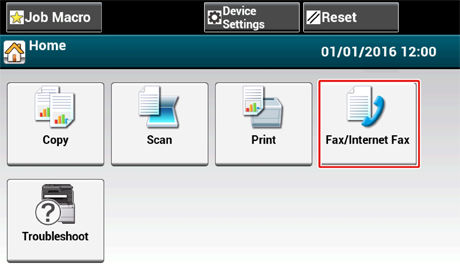
-
Set a document in the ADF or on the document glass.
Memo
When scanning a document with the machine, a document in the ADF is given priority. Check that there is no document in the ADF when using the document glass.
-
Press [Fax].
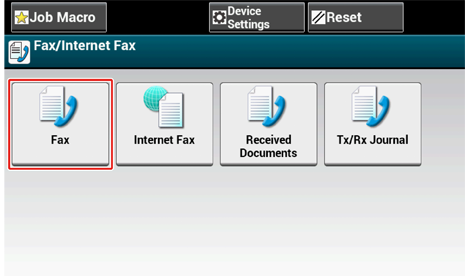
-
Press [Manual Dial].
-
Enter the destination number, and then press [OK].
-
Change settings if necessary.
Memo
-
The default settings for sending a fax are as follows.
[Scan Size]: A4 or Letter
[Resolution]: Normal
[Density]: 0
-
You can change the default settings by pressing [Device Settings] > [Admin Setup] on the touch panel.
-
Enable [Preview] on the [Advanced] tab to preview the image to send.
-
-
Press the
 (START) button.
 Web Manual