-
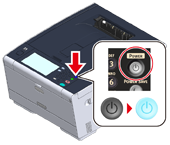
Press the power switch on the operator panel for a second to turn on the machine.
When the machine is turned on, the power switch LED lamp turns on.
-
When the language selection screen in [Easy Setup] is displayed, press the language you want to use.
Memo
Press [
 ] [
] [ ] to switch screens.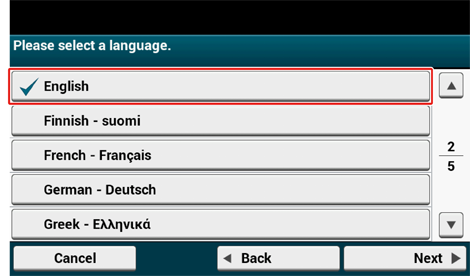
-
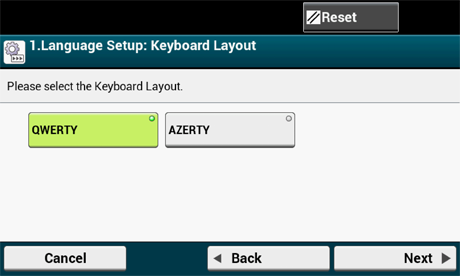
Select the desired keyboard layout.
-
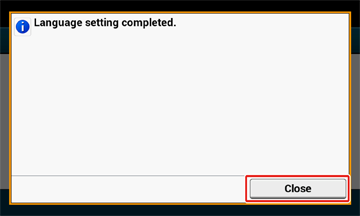
Press [Close].
Memo
The screen switches automatically in about 7 seconds without pressing [Close].
-
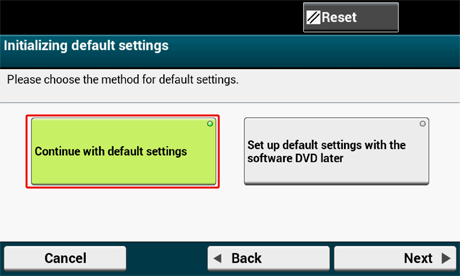
Press [Continue with default settings].
-
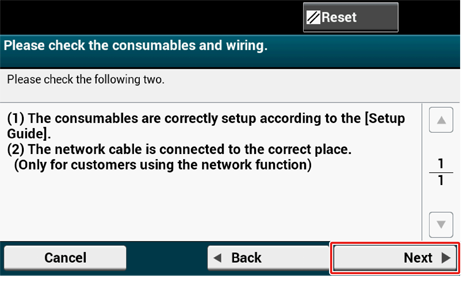
Check that the consumables and wiring are set up, and then press [Next].
 Web Manual