
This machine automatically adjusts color registration when an image drum cartridge is replaced or when 500 sheets are printed. You can manually adjust color registration from the operation panel if necessary.
-
Press [Device Settings] on the touch panel.
-
Press
 or
or  several times and press [Admin Setup].
 -
Enter the administrator name and password and press [OK].
The factory default administrator name and password are "admin" and "999999" respectively.
-
Press [Print Setup].
-
Press [Color Menu].
-
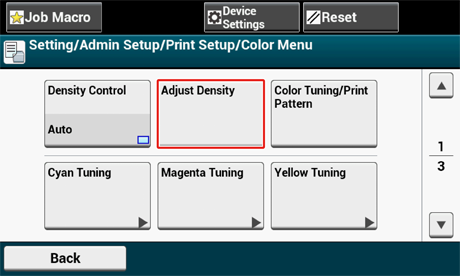
Press [Adjust Density].
-
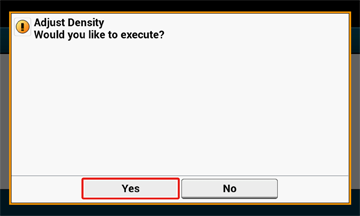
Press [Yes].